Character artist
You have a GLB character and need a scene-oriented interchange asset for animation work.
The fbx to obj path is useful when a simpler mesh exchange is the better next step.
fbx to objFormat workflow
Use this GLB to FBX workflow when a bundled 3D asset needs to move into an FBX-oriented animation, editing, or interchange pipeline.

Variant overview
The comparison below frames the same asset before and after a GLB-to-FBX handoff, so you can focus on structure, materials, and downstream usability.
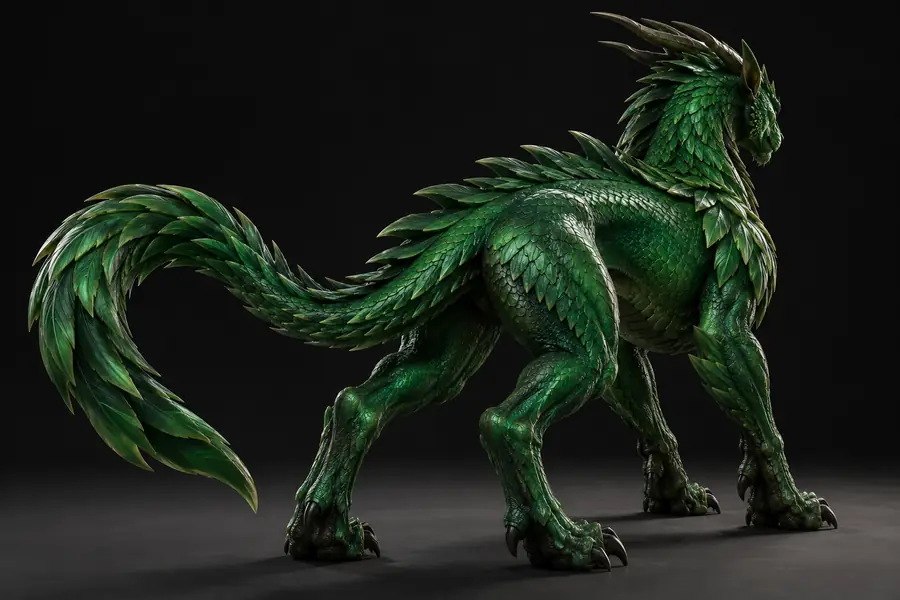
 GLB source
FBX result
GLB source
FBX result
Drag the divider or use the arrow keys to compare both views.
Format choice
GLB is convenient for compact delivery, while FBX is commonly selected when a project needs an interchange format suited to scene and animation workflows.
GLB source
FBX destination
GLB source
Compact 3D asset container
FBX destination
Interchange format for 3D scenes
GLB source
Web, preview, and delivery workflows
FBX destination
Animation, editing, and scene workflows
GLB source
Mesh geometry from the source asset
FBX destination
Mesh geometry carried into the destination
GLB source
Materials may be bundled with the asset
FBX destination
Materials may need checking after import
GLB source
Can contain animated scene data
FBX destination
Useful when moving animation-oriented assets
GLB source
Source format
FBX destination
Converted destination format
GLB source
Confirm the source opens as expected
FBX destination
Confirm scale, materials, and animation
Prompt examples
Start with a specific asset and destination use. These example prompts show how to describe the intended FBX handoff without overloading the request.
 Furniture
1
Furniture
1
Convert this GLB chair model into an FBX asset for scene editing and animation.
 Character
2
Character
2
Turn this GLB character into an FBX-compatible asset while preserving the visible materials and pose.
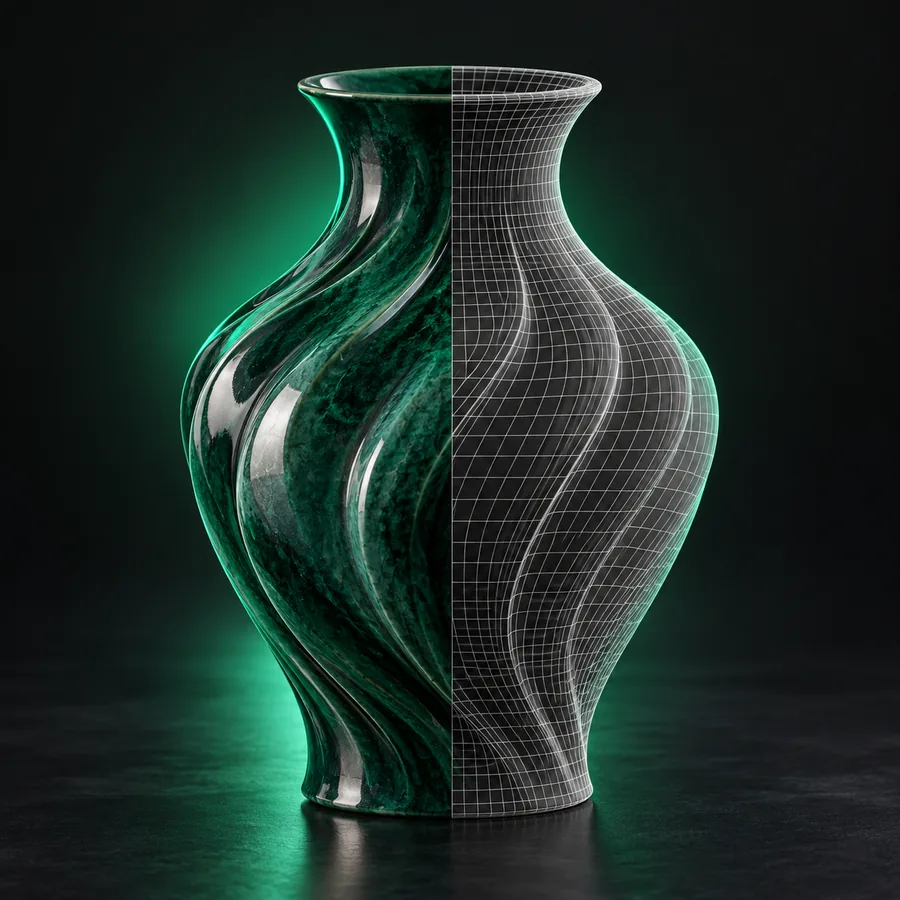 Product
3
Product
3
Convert this GLB product model into an FBX file for use in a larger editable 3D scene.
Replace the subject, intended software workflow, and preservation priority with your own details.
Workflow fit
Different creators choose the same destination format for different reasons. Match the handoff to the next application or production step.
You have a GLB character and need a scene-oriented interchange asset for animation work.
The fbx to obj path is useful when a simpler mesh exchange is the better next step.
fbx to objYou are moving a GLB asset between tools and want to inspect geometry, materials, and animation after conversion.
The gltf to obj workflow offers another mesh-focused route when FBX is not required by the receiving tool.
gltf to objYou need to compare a scene interchange file with a geometry-focused manufacturing format.
The glb to stl route is better suited to workflows centered on printable surface geometry.
glb to stlYou are taking a compact GLB product asset into a larger editable scene for layout and review.
A structured FBX handoff can make the destination workflow easier to organize and inspect.
fbx to objFormat history
The path from compact delivery formats to broader interchange formats reflects how 3D assets moved between web, design, animation, and production tools.
FBX emerged as a format associated with moving 3D scenes and animation data between production applications.
The glTF ecosystem focused on efficient transmission and rendering of 3D assets, with GLB providing a binary package.
Binary packaging made it easier to keep a model and its related resources together for delivery and preview.
Creators still convert between compact asset delivery and broader scene interchange when the receiving tool favors a different format.
At a glance
These three labels summarize the role of each side of the handoff without implying a file limit, speed claim, or guaranteed preservation result.
Output gallery
Use these examples as visual references for the kinds of assets that can move through a format conversion workflow.
1
Scene asset
2
Animation
3
Product
 4
Environment
4
Environment
Next handoff
Describe the GLB asset and the destination use, then send the request into the conversion workflow. Review the resulting FBX in the receiving application before production use.
Convert my 3D assetCommon questions
Answers to practical questions people ask before moving a GLB asset into an FBX-oriented workflow.
GLB is a binary 3D asset container designed for convenient delivery and rendering. FBX is commonly used as an interchange format for moving scenes, meshes, and animation-related data between compatible 3D applications.
You may convert when the receiving application or production pipeline expects FBX. The destination can be useful for scene editing, animation, or interchange, but the result should be checked in the application that will use it.
Materials and textures may require verification after conversion because the two formats organize and interpret asset data differently. Check texture paths, material appearance, UVs, and any embedded resources in the destination application.
Animation preservation depends on the source asset, the conversion workflow, and the capabilities of the receiving application. Inspect the converted file for available actions, timing, rig behavior, and playback before relying on it in production.
Open it in the target 3D application and inspect scale, orientation, mesh structure, materials, textures, cameras, lights, and animation. A short test import into the real destination workflow is more reliable than judging the file name alone.