
Format comparison

glb vs gltf: Choose the Right 3D Asset Format

glb vs gltf is mainly a choice between a single packaged file and a flexible set of linked files. This guide compares their trade-offs so you can select the format that fits your viewer, editor, or delivery workflow.

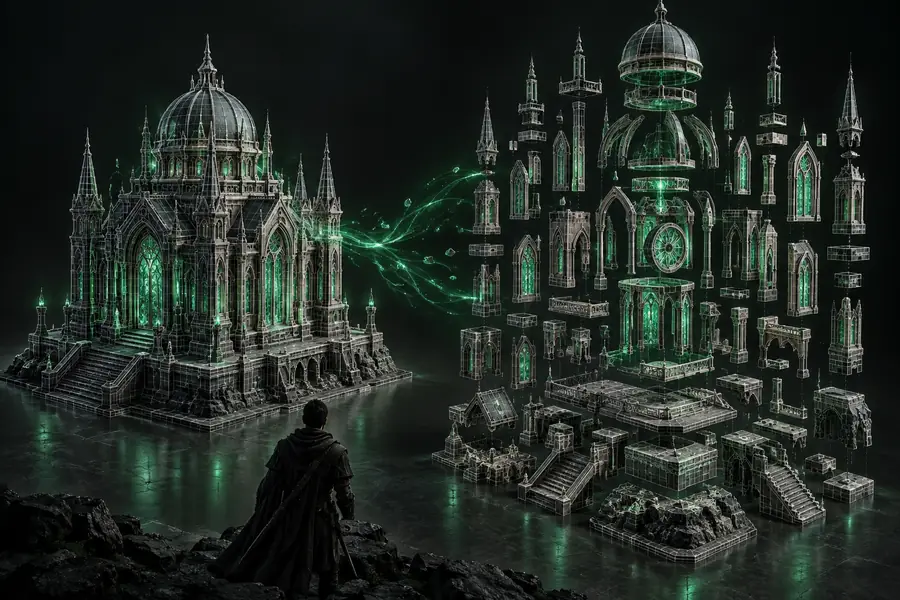
A 3D asset workflow showing a model ready for format comparison

The short answer

The verdict: GLB for delivery, glTF for flexibility

Both formats represent the same modern 3D standard, but they organize the asset differently. Use the format that reduces friction at the point where your file will be opened, edited, transferred, or published.

Web publishers

You need one model file that can be uploaded to a viewer, product page, or browser-based scene without gathering separate assets.

Choose GLB. Its binary package keeps geometry, materials, textures, and related data together, which makes handoff simpler and reduces missing-file errors.

glb to obj online

Technical artists

You expect to inspect JSON, swap textures, version individual resources, or troubleshoot a model during production.

Choose glTF. Its readable JSON and separate binary or image resources expose the asset structure and make targeted edits easier.

blender convert glb to obj

Asset libraries

You are storing many reusable models and want to reuse textures or compare changes without duplicating every resource.

A glTF package can be more modular, especially when your pipeline already manages linked files and consistent resource paths.

glb to obj with texture

CAD and fabrication teams

You need to move a visual asset into a tool that expects a different interchange format or focuses on mesh editing and output.

Start with the source format, then convert deliberately. A GLB or glTF file may need cleanup before becoming an OBJ, STL, or another production-ready mesh.

glb to stl

Compare the structure

GLB and glTF dimension by dimension

The visual content can be equivalent, but the packaging affects how reliably the asset travels through a pipeline. These are the distinctions that matter most in day-to-day work.

  1. 1

    Packaging and portability

    GLB is a single binary container. glTF commonly uses a JSON scene file alongside a BIN buffer and image textures, although a glTF can also be embedded. One GLB is easier to attach, upload, archive, and pass between systems.

  2. 2

    Readability and editing

    The glTF JSON is human-readable, which helps developers and technical artists inspect scenes, nodes, materials, cameras, and references. GLB is less convenient to edit by hand because its contents are packed into binary data.

  3. 3

    Textures and materials

    Both formats can carry physically based materials and texture references. GLB keeps those resources together inside one package, while glTF may keep images as separate files, making replacement and reuse more direct when paths are managed correctly.

  4. 4

    Size and transfer

    GLB can reduce file-management overhead and often makes delivery more predictable, but it is not automatically smaller in every case. Compression, texture resolution, mesh complexity, and whether resources are duplicated have a larger effect on total size.

Pick by workflow

The better choice depends less on the model itself than on the next person or system handling it. These related workflows help narrow the decision before you export.

See the handoff

A practical migration path from GLB to glTF

Moving between the two formats is usually a packaging decision, not a redesign of the scene. Preserve the source, validate the exported resources, and test the result in the system that will actually consume it.

  • Source package
  • Prepared handoff

Same scene, different delivery needs.

Packaged GLB asset prepared for delivery
A converted 3D asset ready for a browser or downstream workflow

Know the trade-offs

Limits to keep in mind

Neither format solves every interchange problem. These caveats are useful when a file looks correct in one viewer but fails later in the pipeline.

  • GLB is not ideal for hand editing

    Its single binary package is convenient for delivery but does not expose scene data as comfortably as a readable glTF JSON file.

    WorkaroundKeep an editable glTF or original project file as the working master, and export GLB for publishing or handoff.

  • glTF links can break

    A glTF package may depend on correctly named BIN and image files in the expected relative locations. Moving only the JSON file can produce missing geometry or textures.

    WorkaroundTransfer the complete folder, preserve relative paths, or package the final asset as GLB before delivery.

  • Neither format guarantees visual identity everywhere

    Viewers and importers can interpret extensions, lighting, animation, transparency, and material features differently.

    WorkaroundOpen the exported file in the target application and verify materials, transforms, animations, and scale before approval.

  • Conversion can lose authoring detail

    When a GLB or glTF is converted to OBJ, STL, or another format, scene hierarchy, animation, node metadata, and some material behavior may not carry across.

    WorkaroundChoose a destination format for a specific purpose and keep the original GLB or glTF available for later revisions.

Ready for the next step

Move from format choice to a usable asset

Choose GLB when a dependable single-file handoff matters. Choose glTF when you need a transparent, modular package for inspection and editing. If your destination requires another format, start with the source you have and validate the converted result in its final environment.

Convert a 3D asset
  • Keep the original source file
  • Package linked resources together
  • Check materials and scale after conversion

Comparison FAQ

Questions about GLB and glTF

The distinction is simple at a high level, but the best choice depends on how the asset will be edited, transferred, and displayed.

OBJ is a mesh interchange format that commonly uses a separate MTL file for material definitions and separate image files for textures. GLB is a binary glTF container that can package geometry, materials, textures, and scene data together, so it is generally better suited to compact modern 3D delivery.

Neither is universally better. GLB is usually more convenient when you need one portable file for a viewer, upload, archive, or handoff, while glTF is often better when developers or technical artists need readable JSON and separately managed resources.

GLB and glTF can represent the same scene and visual quality when exported with the same geometry, materials, textures, and settings. Quality differences usually come from compression, texture choices, exporter settings, or viewer support rather than the container alone.

Use GLB when your website or asset pipeline benefits from a single file with fewer dependency paths to manage. Use glTF when your deployment system intentionally serves JSON, binary buffers, and textures as separate resources or when those resources need independent versioning.

Start converting
Start converting